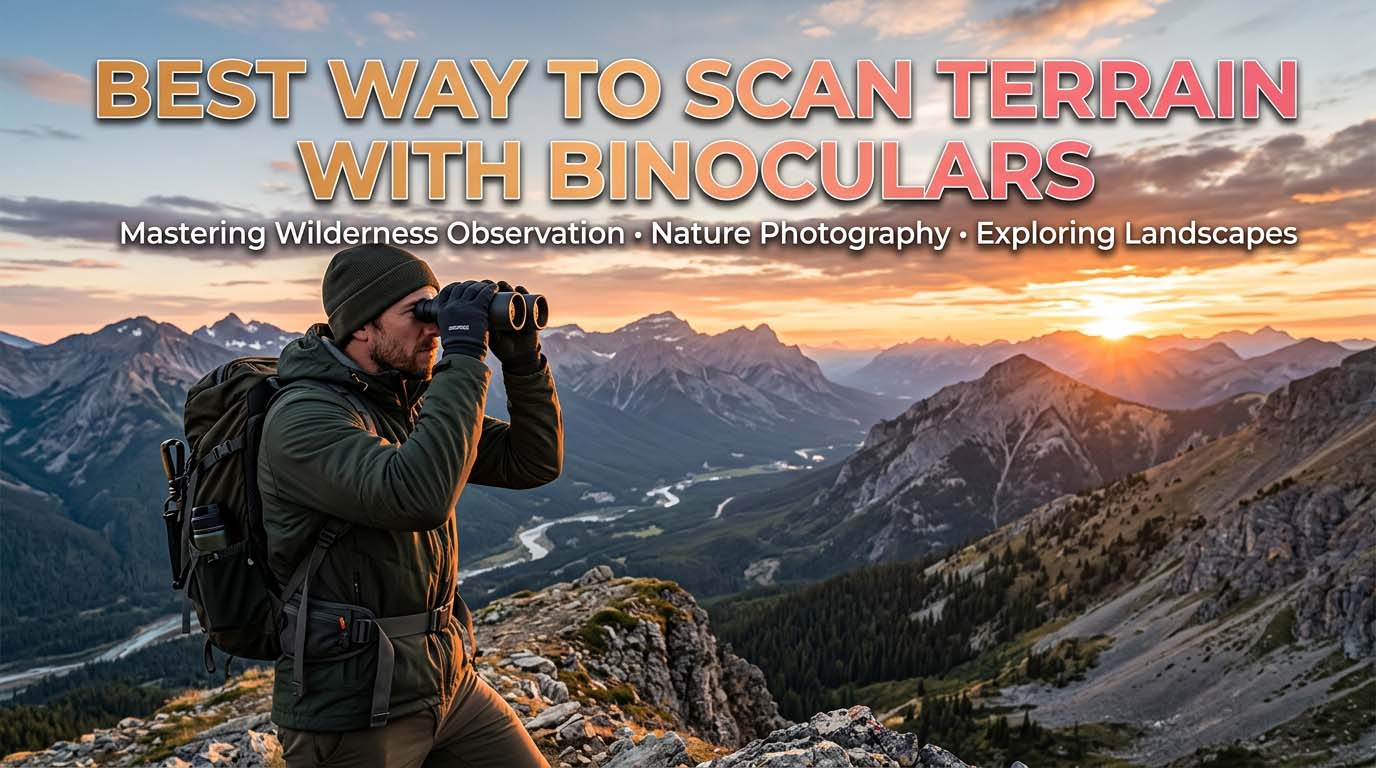
That system works because it forces you to cover every inch of ground without skipping the edges and shadows where animals actually hide. I’ve used this method for years in everything from open prairies to thick timber, and it consistently finds game that quick panning never reveals.
Start With the Right Binocular Setup for Scanning
Most people grab their binoculars and start scanning without checking two critical settings: the diopter and the focus lock. If those are off, your eyes will fight the image all day, and you will miss animals.
Scanning terrain for long stretches is different from spotting a deer that just stepped into a field. You need a setup that lets you relax and look, not a setup that requires constant adjustment.
Set Your Diopter Before You Scan
Your two eyes are rarely identical. The diopter ring on most binoculars compensates for that difference. To set it: point at a textured object about 100 yards away, a tree trunk with bark or a rock with cracks.
Cover the objective lens on the left side so only the right barrel is open. Turn the center focus wheel until the object is perfectly sharp in your right eye. Then cover the right objective lens and turn only the diopter ring (usually on the right eyepiece) until the same object is sharp in your left eye. Do not touch the center wheel again.
Now both eyes see the same sharp image. A blurry view at the edges will make scanning terrain exhausting and unreliable.
Choose a Scanning-Friendly Binocular
A wide field of view is the most important spec for terrain scanning. Look for a binocular that offers at least 350 feet of field at 1,000 yards. An 8×42 configuration is the classic scanning tool: 8x magnification gives a steady image and wide view, while the 42mm objective lets in enough light for low-light conditions.
If you hunt open country and can keep the binoculars on a tripod, 10×42 works fine. In brush or forest, 8x is the better choice.
Image-stabilized binoculars are a legitimate option; they let you hold a steady image at higher magnifications without a tripod, which reduces fatigue during long sessions.
The 8x vs 10x Tradeoff
This is the single most common question I get from new hunters. Many top articles just say “use good binoculars” without explaining the real decision. Here is the honest answer: 8x is usually the better scanning tool because it has a wider field of view and is easier to hold steady.
10x makes sense for open country where you need to reach across canyons, but it narrows the view and increases fatigue. If you are scanning large open terrain and your hands shake, choose 8x.
If you are hunting above timberline and need to see into distant basins, 10x works fine – but only if you use a tripod or monopod. Handheld 10x will frustrate you within ten minutes.
Use a Grid Pattern to Scan Terrain With Binoculars
The grid pattern is the backbone of effective glassing. Without it, your eyes will bounce around randomly, and you will miss whole sections of ground. Here is how I teach it to every hunter I guide:
First, look at the area with your naked eye. Split the visible terrain into four imaginary quadrants using a natural landmark, a distinctive tree or a rocky outcrop, as a boundary. Start in the bottom-left quadrant, near the bottom edge.
Slowly pan left to right, slightly overlapping the previous perfect field of view by at least 20 percent. When you reach the right edge, drop down one field-of-view height and pan right to left. Continue until the entire quadrant is covered. Then move to the next quadrant.
Use the “Typewriter” Method
This is the physical scanning pattern that makes the grid work. Keep your binoculars at a fixed focal length; focus once at the middle distance of the terrain you are covering. Start at the nearest edge of the quadrant and scan across.
Finish each pass, then shift your gaze slightly down (or up) for the next row. Do not randomly jump from one spot to another. The typewriter method ensures that every inch gets the same amount of attention.
Pause on a Promising Object
The grid is for coverage; the pause is for detection. When a shape looks unnatural, or something suggests an animal, stop moving the binoculars. Lower your eyes, take a mental snapshot of the exact location, then raise the binoculars back to that spot.
If nothing is there, keep moving. Do not stare into the same spot for more than a few seconds. If you see movement, hold steady and let the animal reveal itself.
Slow Down and Scan for Shape, Color, and Movement
Scanning terrain is not about seeing the whole animal. Most of the time, your eye will catch an ear, an antler tine, a horizontal backline, or a shadow that looks out of place. The three detection cues in order of reliability are: movement, shape, then color.
Movement catches your eye even when you are not looking directly at it. Shape tells you if that dark spot is a log or a leg. Color confirms the species when light permits.
Start with soft focus. Relax your eyes and let the landscape blur slightly. The eye naturally catches movement or unnatural shapes faster when it is not straining to see every leaf. Then sharpen the focus to investigate the suspicious area.
Scan the Edges First
Animals rarely stand in the middle of a big opening. They appear along the edges of openings, treelines, snowfields, and shadows. When scanning terrain, give extra attention to the transition zones between cover and open ground.
Do not stare directly into thick cover for too long; it will wear out your eyes. Instead, focus on the edge where an animal is more likely to step out or bed.
Use the “Two-Pass” Rule
First pass: scan for animals in the open, anything standing or feeding. This takes only a minute or two per quadrant. Second pass: scan the same area for shape and shadow. Bedded animals are rarely visible in the open.
They are found in the margins. Slow down on the second pass. Use the overlapping grid pattern, but this time look specifically for pieces of an animal, a patch of hide, a dark line that is not a branch, a shape that does not fit the background.
Build a Stable Position While Scanning
No amount of technique matters if your binoculars are shaking. A steady image reveals detail; a shaky image hides it. I use three stable positions depending on the situation:
- Sitting with elbows braced on knees. This is the most common and most stable for most terrain. Sit upright, put your elbows on your knees, and cup the binoculars. This locks your upper body.
- Prone with the binoculars resting on a backpack or rock. Use this when you need maximum stability for long looks into distant shadows. Rest the binoculars on a solid surface and let your hands just guide the aim.
- Standing with arms tucked close to the chest and lean against a tree or rock. Use this when you cannot sit. Tuck your elbows in, press the binoculars to your face, and lean into a solid object.
For any serious scanning session that lasts more than 15 minutes, I strongly recommend a tripod or a monopod with a binocular adapter.
Use a Tripod for Long Scans
A tripod changes the game completely. You can use both hands to adjust focus and keep the image perfectly still. You will see more detail in shadows and edges because the image is not bouncing with your pulse.
Even a cheap tripod is better than handholding. I use a small carbon-fiber tripod with a binocular adapter that adds about two pounds to my pack. It is worth every ounce when you are glassing a basin for two hours.
Practice the “Triangle” Support
If no tripod is available, create your own support system. Hold the binoculars with both hands, keep the objective lenses steady with your fingers, and press the eyecups firmly against your brow.
Keep your elbows against your body and pull the binoculars toward your face rather than reaching your head toward the glass. This triangle, two hands plus your face, creates a stable platform.
Myths About Scanning: “Scanning More Ground Is Better”
This is the trap most beginners fall into. They think the best scanner is the one who moves the most, who pans fast, looks here and there, and covers as much country as possible.
The truth is the opposite: slow, methodical, overlapping scanning is what finds animals. After ten minutes on the same glassing point, it feels unproductive. You want to move. But patience is the entire skill.
If you have a good vantage point, resist the urge to move after the first fifteen minutes. The animals are there; you just haven’t seen them yet. Bedded animals can stay invisible for an hour, then shift position and suddenly appear.
Read the Terrain for Likely Animal Holding Areas
Scanning is not just about moving the binoculars; it is about knowing what to look for. Think of the three basics animals need: food, water, and cover. In open terrain, focus on saddles, benches, and depressions that funnel movement.
In brushy terrain, look for small openings and windows where an animal might step through. In high country, glass the shadow edges during the heat of the day and the sunny slopes in the morning.
Before you lift your binoculars, run this mental checklist based on animal behavior:
- Ridgelines – animals use them as travel corridors.
- Saddle points between peaks – natural funnels.
- The bottom edge of a shadow – bedded animals stay in the dark.
- The sunny side of a ridge – animals warm up in the morning.
- Brush pockets in open meadows – cover near food.
- Water sources – edges of creeks, seeps, ponds.
- Edges of avalanche chutes – new growth attracts feeding animals.
Use Landmarks to Track What You Have Covered
Pick a tree, a rock, a stump, or a ridgeline notch as a starting point for each quadrant. When you finish a section, mentally mark a distant landmark as “done.” This prevents the common problem of re-scanning the same 50 yards for an hour while missing a whole basin.
I use the tip of my index finger held at arm’s length to mark the start and end of each pass.
Focus on the “Funny” Spots
The eye naturally looks past things that do not make sense. Train yourself to stop on anything that looks like a straight line, a sharp edge, or an unnatural color. These anomalies are usually the only evidence you will see of a bedded animal.
A leg that looks like a straight stick, a backline that cuts horizontally across a vertical hillside, a patch of tan that does not match the surrounding brush – those are the clues that separate a good glasser from a great one.
Advanced Optimization: Use Terrain Features as a Checklist
Instead of scanning randomly, prioritize your attention based on where animals are most likely to be. Rank the terrain features in order of probability. Edges and transition zones are always first.
Then look at mid-slope benches; animals feed there but often bed just above or below them. Last, check the deep draws and distant ridgelines. This ranked approach saves time and keeps you focused on the spots that produce the most sightings.
Use a Spotting Scope Only to Confirm
Keep the binoculars as your primary scanning tool. The spotting scope has a narrow field of view and should only be used once something suspicious is found. The division of labor is simple: binoculars cover the map, spotting scope zooms in on the dot.
Pull out the spotting scope when you see a shape, an antler, or a movement that you need to confirm. Do not try to scan with the spotting scope; you will get eye fatigue quickly and miss everything else happening around you.
Give Your Eyes Regular Rest
Every 20 to 30 minutes, look up from the binoculars and let your eyes relax on the far distance for a few seconds. Focus on a cloud or a mountain peak a mile away.
This helps prevent eye strain and keeps your vision sharp enough to spot movement. Squinting, watering, and headaches are signs you have been scanning too long without a break. When your eyes get tired, you stop seeing the subtle details that reveal game.
Frequently Asked Questions
What is a good field of view for terrain scanning binoculars?
A field of view of at least 350 feet at 1,000 yards is good for most hunting and hiking situations. Wider is better for scanning because it lets you cover more ground with less movement.
Look for an angular field of view of 6.5 degrees or more. At 8x magnification, a wide field of view is easier to maintain than at 10x.
How do I avoid eye fatigue while glassing?
Close your eyes for five seconds every few minutes, focus on a distant object with your bare eyes, and adjust the diopter correctly.
Many people get eye strain because they are constantly fighting a blurry image caused by an incorrect diopter setting. Use a tripod if you can, and do not death-grip the binoculars. Grip tension carries into the eyes and forehead.
Should I use image-stabilized binoculars for scanning?
Yes, if you have the budget. Image-stabilized binoculars make a huge difference in open terrain because they let you hold a steady image at 10x or 12x without a tripod.
They are not necessary, but they reduce fatigue and make it easier to see into shadows and edges. For a dedicated scanning tool, they are worth the extra cost.
Can I scan terrain with a monocular instead of a binocular?
Yes, but it is usually worse. Monoculars cause more eye strain because you have to keep one eye closed or learn to keep both eyes open.
They also give you a narrower field of view for the same objective size. A monocular is fine for quick checks, but if you are spending hours scanning, binoculars are the better tool.
What is the best magnification for scanning terrain in open country?
8x or 10x is the sweet spot. 8x gives you a wider field and steadier image. 10x gives you more reach but is harder to hold steady.
If you are scanning from a tripod, 10x is excellent. If you are holding by hand, 8x will let you see more because you will actually keep the image steady enough to pick out shapes.